
Clinic Front Desk Dashboard: How to Build One That Actually Helps
What a clinic front desk dashboard should show, how to design it for fast scanning, and how to connect intake, consent, M-Pesa payments and provider status into one daily view.
- July 15, 2026
- Updated October 17, 2026
- 4 min read
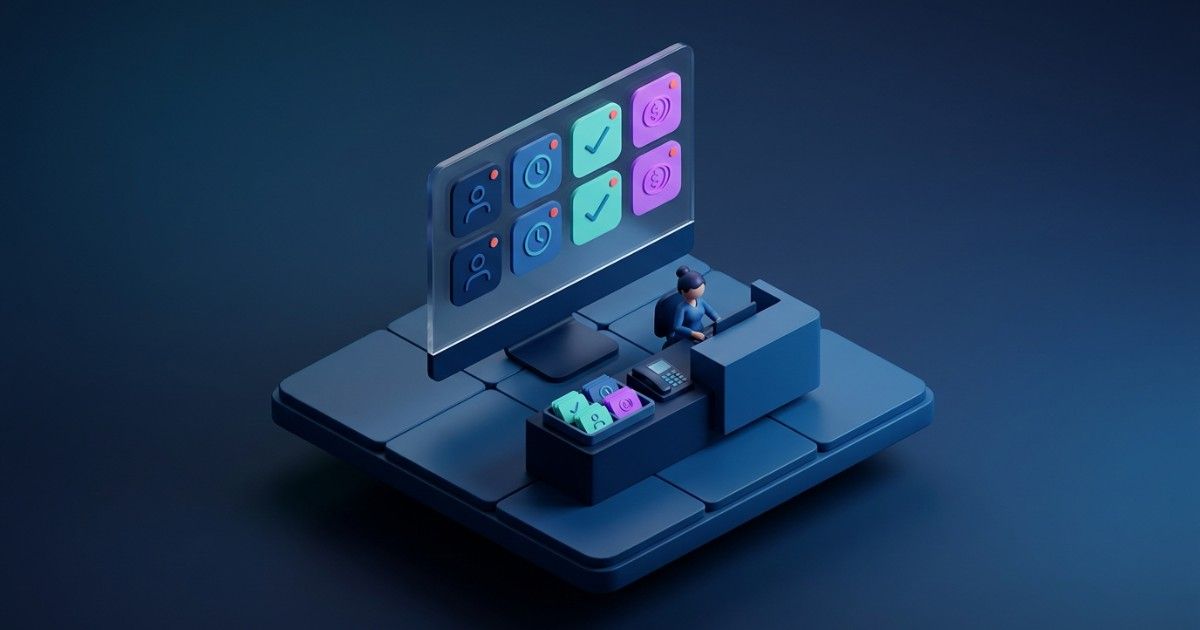
A clinic front desk dashboard is a live view of the day that shows each patient's arrival status, missing forms, consent, payment readiness and provider availability. It should help reception staff act, not just report. A good dashboard answers five questions quickly: who is arriving, who is ready, who needs action, who is delayed and what happens next.
What should a clinic front desk dashboard show?
A front desk dashboard should show today's appointments with the status and next action for each patient. Appointment time is only one field.
Each row should make these states visible at a glance:
- Arrival status: expected, arrived, checked in, waiting or roomed.
- Readiness: intake forms, consent and identification complete or missing.
- Payment readiness: SHA or insurer cover confirmed, deposit due, or M-Pesa payment pending.
- Provider or room status, including any delays.
- The next action and who owns it.
Use filters such as "arriving soon", "missing action" and "checkout needed". Staff need the current state of the day, not every historical detail.
Why do schedule-only views fail the front desk?
Schedule-only views fail because they hide the work that makes a visit run smoothly. Staff see the booking, but not that forms, consent or payment are still outstanding.
Problems then surface only when the patient is standing at reception. Patients wait, providers ask for updates and billing needs corrections later.
A better dashboard turns hidden work into visible states. Staff can fix missing consent or an unconfirmed payment the day before, not in the lobby.
How do you build a front desk dashboard step by step?
Build it by starting with workflow questions, then mapping each question to a data state. Follow these steps:
- Ask reception staff what they need to know at opening, mid-morning, after lunch and before closing.
- List the data that answers each question, such as consent status or deposit received.
- Define a small set of statuses: booked, confirmed, arrived, checked in, waiting, roomed, in session, checkout, completed, cancelled and no-show.
- Attach an action to every exception, such as "send consent link" or "request M-Pesa payment".
- Assign an owner and due time to each open task.
- Pilot the dashboard during a real clinic session and watch where staff hesitate.
- Remove anything that is not used, then review again after two weeks.
Why should action beat reporting on the front desk?
Action beats reporting because visibility only helps when it leads to a next step. If consent is missing, staff should open the consent workflow from the same row.
If a provider is running late, the dashboard should show which patients need a message. If a balance is outstanding, staff should see the payment options without opening another system.
Keep executive analytics elsewhere. Monthly trends belong on a management dashboard, not at reception.
How does this work for clinics in Kenya?
In Kenya, the front desk often handles SHA eligibility checks, insurer pre-authorisations and M-Pesa payments in the same queue. The dashboard should show each of these as a clear readiness status.
Many patients complete forms on a mobile phone. Send short, low-data links by SMS or WhatsApp before the visit, and show completion on the dashboard.
Reception screens are often visible to others in the waiting area. Show only what staff need, mask sensitive details and log who viewed each record, in line with the Data Protection Act 2019.
For payment matching, see our guide on how to reconcile clinic payments across M-Pesa, cash, card and insurance.
What mistakes should you avoid?
The most common mistake is turning the front desk dashboard into an analytics page. Avoid these pitfalls too:
- Vague statuses such as "pending" or "issue" with no explanation.
- Burying the next action inside the patient profile.
- Too many colours, icons and widgets competing for attention.
- Separating finance entirely, so payment surprises appear at checkout.
- Giving every user full access to clinical or financial details.
Track a few simple signals to check progress, such as average check-in time, patients ready before arrival and same-day unresolved tasks.
Frequently asked questions
What is a front desk dashboard in a clinic?
It is a live operational screen for reception staff. It shows today's patients, their readiness and the next action needed, so the team can keep the day moving.
How is it different from an executive dashboard?
A front desk dashboard supports immediate action during the clinic day. An executive dashboard reviews trends, revenue and capacity over weeks or months.
Should payment status appear on the front desk dashboard?
Yes, with role-based permissions. Payment readiness affects check-in and checkout, so staff need enough context to guide patients without seeing unnecessary financial detail.
How many statuses should a dashboard use?
Keep it to around ten to twelve clear statuses. Too many slows staff down, while too few hides important differences such as "arrived" versus "checked in".
Can the dashboard work on a slow internet connection?
It should. Choose a system that loads quickly on low bandwidth and keeps working briefly offline, then syncs when the connection returns.
See how Tymira360 handles the clinic day – Book a demo
About the author

Tymira Health Success Team
Healthcare Operations and Customer Success
Insights from the Tymira Health Success Team on healthcare practice management, patient experience, healthcare finance, specialty care workflows, and clinic operations.
More from Tymira Health Success Team