
Patient Intake and Digital Front Door Guide for Clinics
A guide to designing digital patient intake that works on any phone: booking, registration, consent, payments, reminders and new-patient triage, with steps to roll it out.
- July 14, 2026
- Updated October 17, 2026
- 4 min read
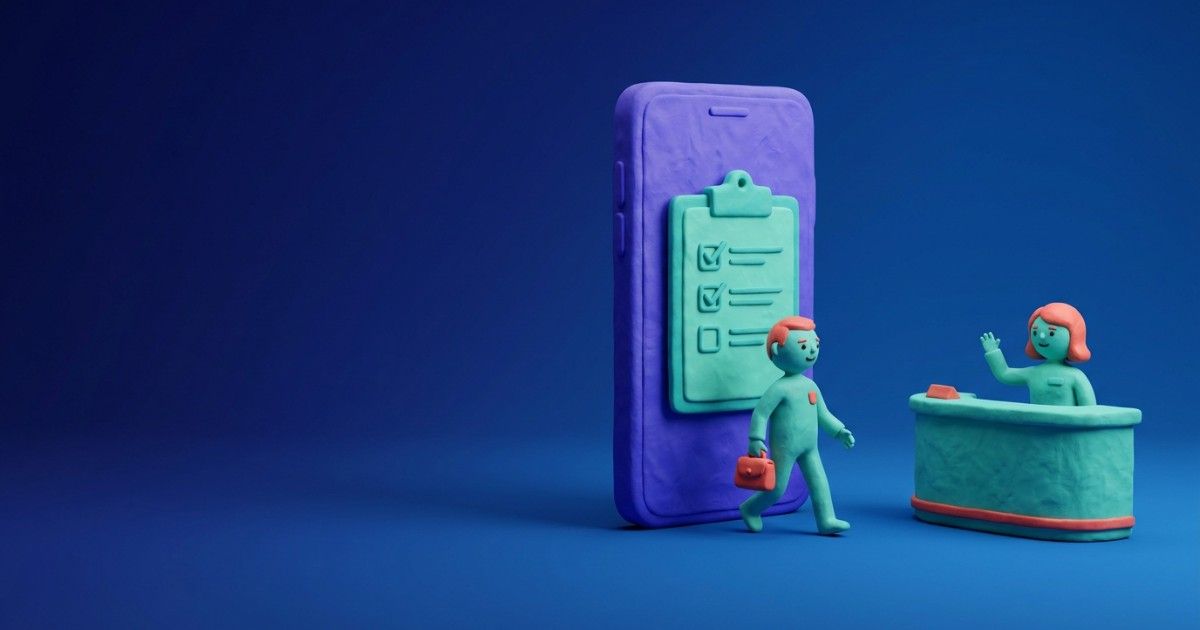
Digital patient intake is the mobile-first process patients use to register, share details, sign consent and prepare payment before a visit. A good digital front door guides patients through one clear action at a time, works on low bandwidth, collects only necessary data and updates a readiness status staff can see.
What is digital patient intake?
Digital patient intake is the online process of collecting a patient's details, consent and payment information before their appointment. It replaces clipboards and repeated questions at reception.
It sits inside the wider digital front door: discovery, booking, registration, consent, payments, reminders, triage and portal access. The best version is not a noisy app but a minimal path.
In many clinics, the problem is not careless staff. Tasks and handoffs are spread across memory, chat messages, paper and disconnected systems. Digital intake gives each step an owner, a status and a visible next action.
This guide is for clinic owners, front-desk teams, patient experience leads and the designers who build these journeys.
What should a mobile-first intake form include?
A mobile-first intake form should include only what the clinic needs for the visit, split into short steps. A typical set covers:
- Name, date of birth and contact details
- Reason for visit in the patient's own words
- Insurance or SHA member details
- Specialty questions set by the clinical team
- Consent for treatment, data processing and reminders
- Communication preferences and any accessibility needs
Show progress, autosave answers and never ask the same question twice. Specialty questions should be agreed and reviewed by the clinical team before use.
Let patients upload a photo of an insurance card or referral letter. It saves typing and reduces errors at the desk.
Should clinics offer online booking or appointment requests?
Clinics should offer direct online booking for simple, well-defined visits and appointment requests where staff need to check suitability first. Many clinics use both.
Direct booking suits follow-ups and routine visits. Requests suit new patients, complex services or referrals that need review.
If you use requests, tell patients when they will hear back. A request with no reply feels like a closed door.
Whichever route you choose, send a clear confirmation with the date, time, location and any forms to complete. That message is where intake begins.
How should clinics handle new patient requests?
Clinics should route every new patient request into a shared queue with an owner, a status and a target response time. Nothing should sit in a personal inbox.
Sort requests by service, location and any urgency flags the clinical team defines. Staff then match each request to the right provider and appointment type.
Rules for flagging urgent requests should be set and signed off by clinicians. Administrative staff follow them; they do not make clinical judgements.
Track how long requests wait for a first response. It is one of the clearest signs of access problems.
Keep patients informed while they wait. A short message confirming the request was received, and when to expect a reply, prevents repeat calls.
How do you roll out digital patient intake?
You roll out digital intake by starting with the highest-friction workflow and expanding in stages. This gives staff time to trust the system.
- Pick the workflow causing the most delays or rework, often new patient registration.
- Map handoffs and decide who can change each status.
- Agree which items must be complete before the visit can go ahead.
- Launch visibility first: a readiness view staff can see.
- Add automation, such as reminders for missing items, then reporting.
Track pre-visit completion, form abandonment, check-in time, unresolved handoffs and manual corrections. The aim is a workflow that is safer, faster and easier to run each week.
Include the patient wallet in the same journey. Patients should see balances, receipts and the next payment action without leaving their visit page.
How should clinics design patient intake for Kenya?
Clinics in Kenya should design intake for mobile phones, modest data budgets and shared devices. Assume many patients will complete forms on the move.
Keep pages light and offer forms in the languages your patients prefer, such as English and Kiswahili. Support M-Pesa for deposits and show amounts in KES.
Health data is sensitive personal data under the Data Protection Act 2019. Explain why you collect each item, record consent and keep access tight. See our data protection checklist for Kenyan clinics.
Intake differs by specialty. Mental health services need extra care with privacy on shared phones, while physiotherapy and dental clinics often need referral letters and insurer details.
Frequently asked questions
What should a clinic fix first?
Start with the workflow that causes the most patient delays, staff rework, financial leakage or documentation risk.
Should every clinic use the same intake process?
No. Use shared foundations, but allow differences by specialty, location and role.
Do patients need an account to complete intake?
Not always. A secure one-time link can let patients finish forms without creating an account first.
How should teams measure success?
Look for fewer missed steps, faster check-in, cleaner records, better patient communication and clearer reporting.
Where should the patient wallet appear?
In the patient portal, alongside the visit, showing balance, receipts, payment history and the next action.
See how Tymira360 handles patient intake and the portal – Book a demo
About the author

Tymira Health Success Team
Healthcare Operations and Customer Success
Insights from the Tymira Health Success Team on healthcare practice management, patient experience, healthcare finance, specialty care workflows, and clinic operations.
More from Tymira Health Success Team